· 7 min
How ssh works
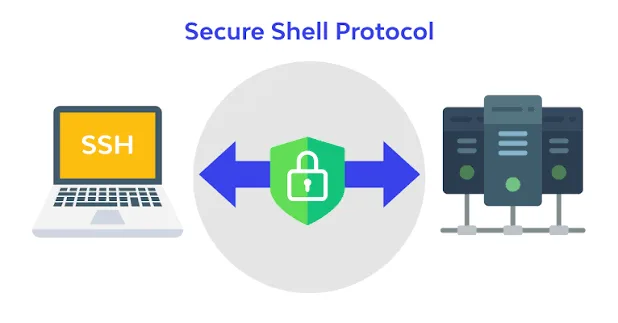
Ever wondered what actually happens behind the scenes when you open your terminal and type ssh user@server
Topic
9 notes
The Linux skills every DevOps job leans on: the shell, permissions, packages, systemd services, LVM, Apache and shell scripting.
· 7 min
Ever wondered what actually happens behind the scenes when you open your terminal and type ssh user@server
· 5 min
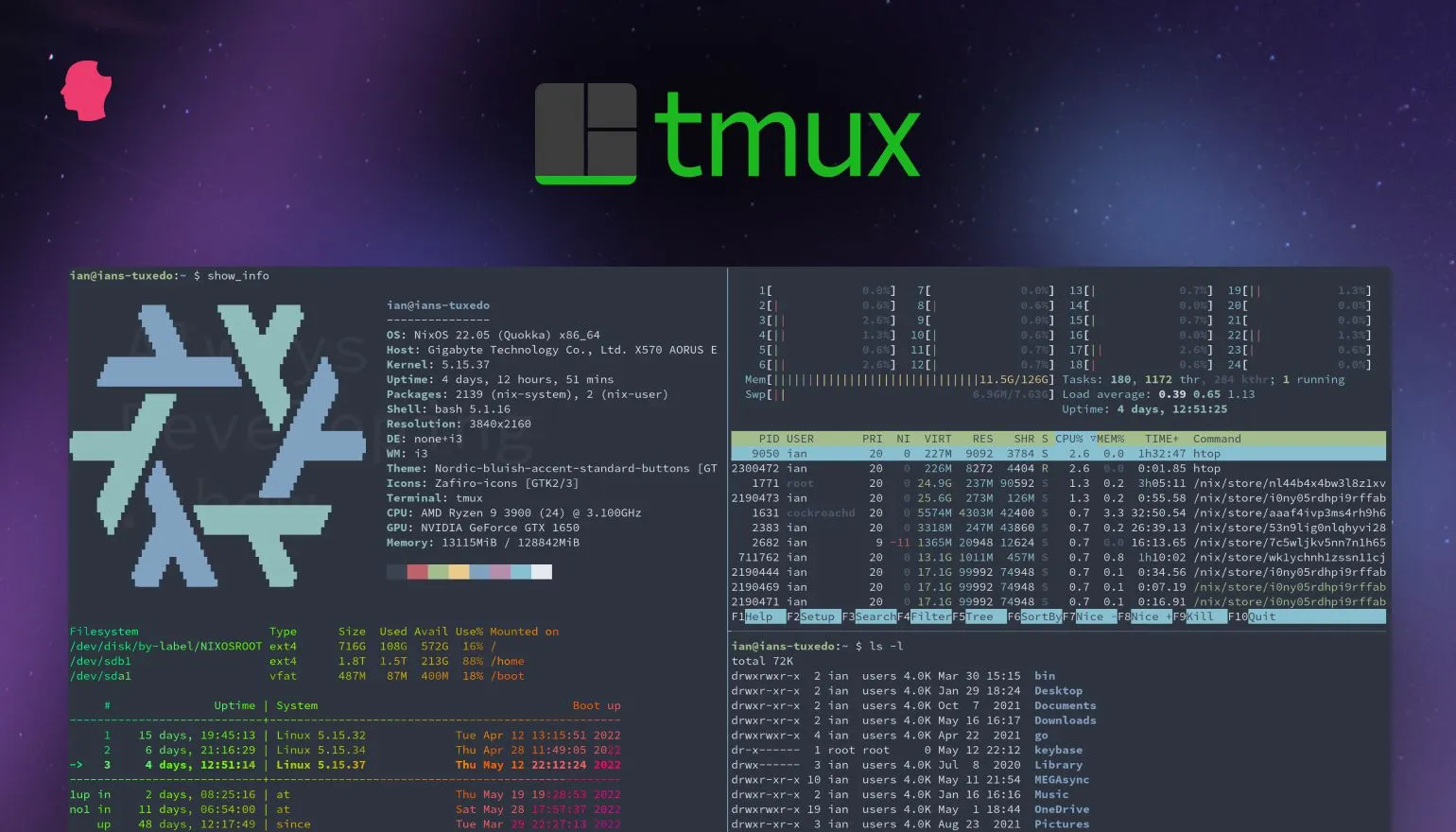
A tmux reference for remote work: sessions that survive SSH drops, windows, split panes, copy mode, synchronized panes, and a minimal tmux.conf.
· 8 min
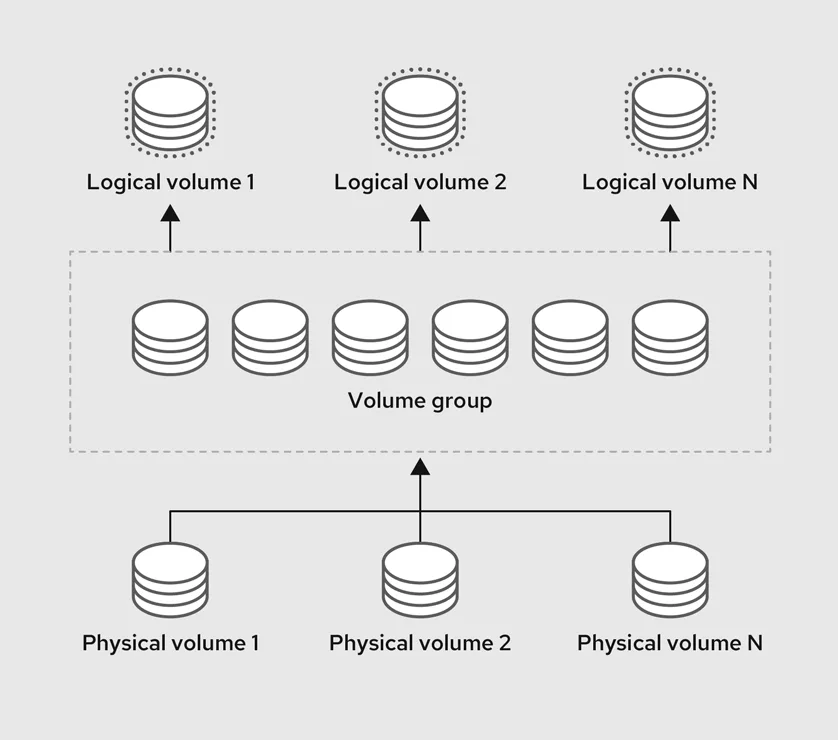
Add a disk to a VirtualBox VM and take it through every LVM layer: partition, physical volume, volume group and logical volume, then an ext4 mount in fstab.
· 6 min
Install Apache on Ubuntu, learn how /etc/apache2 is organised, and serve a static HTML template from /srv through a dedicated virtual host.
· 10 min
Bash scripting from first script to loops: variables, input, arguments, command substitution, if, for and while, ending with a safe script that launches and cleans up EC2 instances.
· 18 min
Manage users, groups, sudo, file permissions, links, apt packages, archives and processes on Ubuntu, with the commands and the files behind each one.
· 4 min
Write a systemd unit that runs Apache Tomcat as a dedicated non-root user, starts it at boot, restarts it after a crash, and is managed with systemctl.
· 16 min
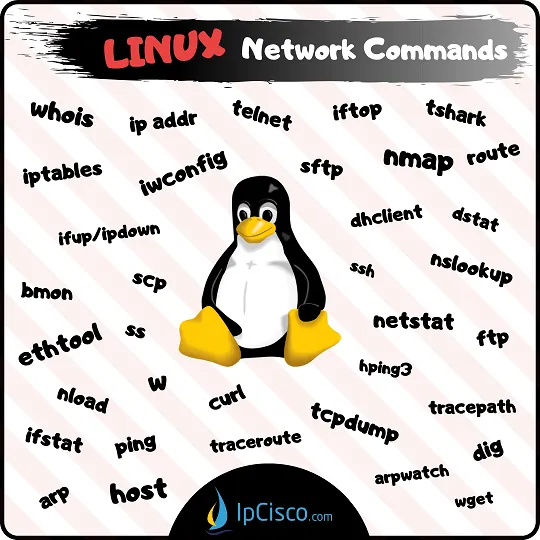
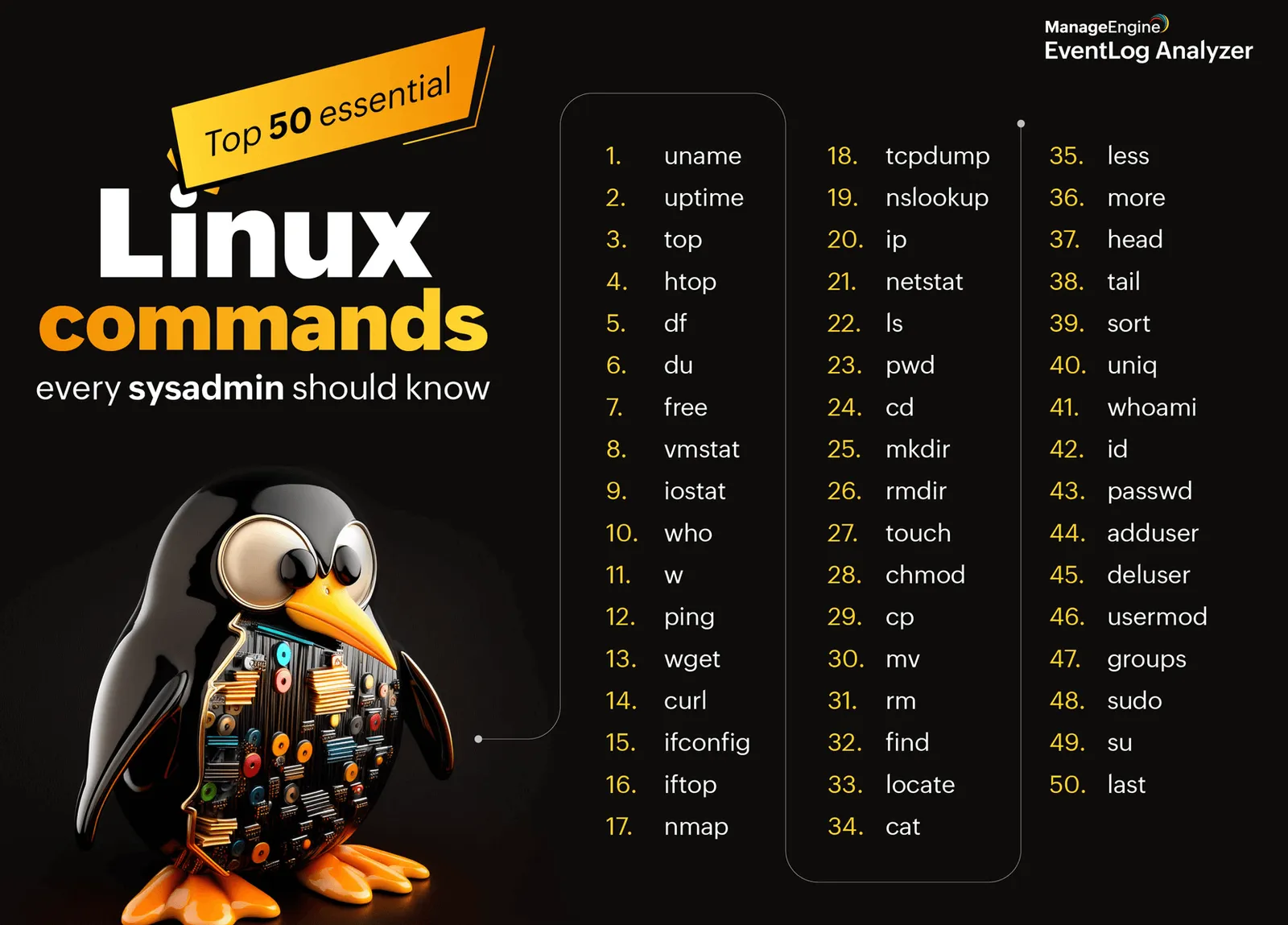
A task-based Linux command reference: navigating and managing files, reading logs, grep, sed, cut and awk, redirection, Vim, services, and basic networking.
· 7 min
The Linux foundations behind DevOps work: kernel and shell, distributions, the directory layout, the seven file types, and SSH login to a VirtualBox VM.