tmux Cheat Sheet: Sessions, Windows, Panes and Copy Mode
A tmux reference for remote work: sessions that survive SSH drops, windows, split panes, copy mode, synchronized panes, and a minimal tmux.conf.

ON THIS PAGE
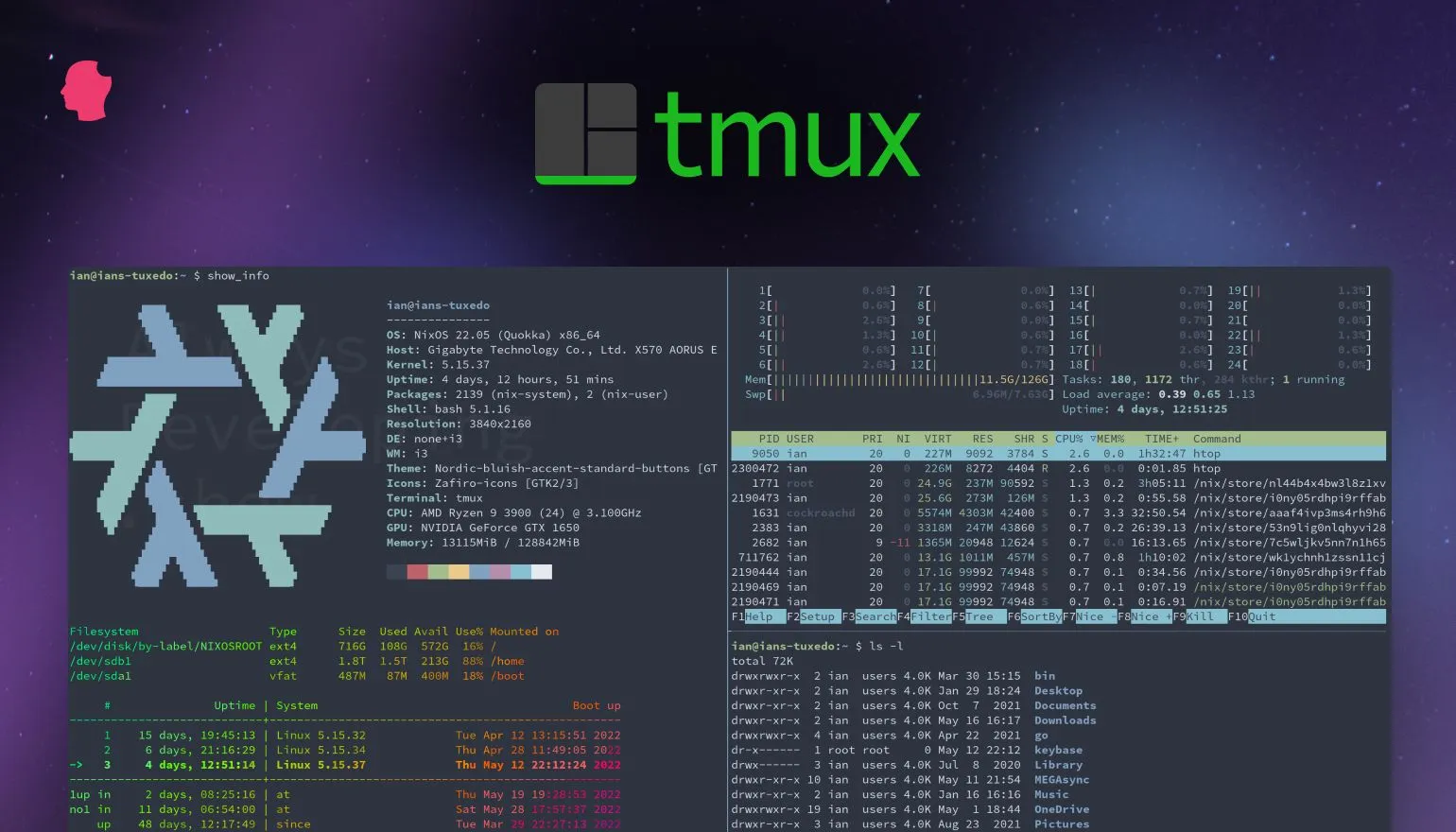
A dropped SSH connection usually kills the processes started in that shell, including a half-finished package upgrade or a migration. tmux, a terminal multiplexer, keeps sessions running on the server after you disconnect and splits one terminal into windows and panes, so a log tail can run beside your working shell. The tables below cover the commands and shortcuts needed for daily remote work.
Every shortcut starts with the prefix Ctrl+b: press Ctrl+b, release it, then press the key. Ctrl+b d means "prefix, then d".
Sessions
A session is a group of windows that lives on the server until you kill it.
| Command or shortcut | What it does |
|---|---|
tmux | Starts a new session |
tmux new -s name | Starts a new session called name |
tmux ls | Lists sessions |
tmux attach (or tmux a) | Attaches to the most recent session |
tmux a -t name | Attaches to the session name |
Ctrl+b d (or tmux detach) | Detaches; the session keeps running |
Ctrl+b s | Picks a session from a list |
Ctrl+b $ | Renames the current session |
tmux kill-session -t name | Ends a session |
tmux kill-server | Ends all sessions |
A typical workflow on a server:
$ ssh user@server
$ tmux new -s deploy
$ tmux a -t deployStart the long-running job inside the deploy session and detach with Ctrl+b d, or lose the connection. After reconnecting over SSH, tmux a -t deploy returns to the job, still running.
Windows
A window works like a browser tab inside a session.
| Shortcut | What it does |
|---|---|
Ctrl+b c | Creates a window |
Ctrl+b , | Renames the current window |
Ctrl+b w | Picks a window from a list |
Ctrl+b n / Ctrl+b p | Next / previous window |
Ctrl+b 0 to Ctrl+b 9 | Goes to window number 0 to 9 |
Ctrl+b & | Closes the current window (asks first) |
Panes
Panes divide one window into several terminals.
| Shortcut | What it does |
|---|---|
Ctrl+b % | Splits into left and right panes |
Ctrl+b " | Splits into top and bottom panes |
Ctrl+b o | Moves to the next pane (arrow keys also work) |
Ctrl+b z | Zooms the current pane to full size; press again to restore |
Ctrl+b { / Ctrl+b } | Swaps the pane with the previous / next one |
Ctrl+b Space | Cycles through layouts |
Ctrl+b x | Closes the current pane (asks first) |
Copy mode
Copy mode scrolls back through output and copies text without a mouse.
| Shortcut | What it does |
|---|---|
Ctrl+b [ | Enters copy mode |
Ctrl+b PgUp | Enters copy mode and scrolls up one page |
PgUp / PgDn | Scrolls a page up / down |
Ctrl+b ] | Pastes the last copied text |
The keys to select and copy depend on the mode-keys option. tmux uses emacs-style keys by default, and switches to vi-style keys if your EDITOR or VISUAL variable contains vi.
| Action | emacs keys (default) | vi keys |
|---|---|---|
| Start selection | Ctrl+Space | Space |
| Copy selection and exit | Alt+w | Enter |
| Exit copy mode | q or Esc | q |
To always use vi keys, add setw -g mode-keys vi to your config.
Useful options
Run these from a shell inside tmux, or type them after Ctrl+b : (the tmux command prompt) without the word tmux.
| Command | What it does |
|---|---|
tmux setw synchronize-panes on | Sends what you type to every pane in the window, useful for running the same command on several servers |
tmux setw synchronize-panes off | Turns that off again |
tmux set -g mouse on | Lets you click panes, resize them and scroll with the mouse |
tmux set -g history-limit 10000 | Keeps 10,000 lines of scrollback (only for windows created after the change) |
tmux source-file ~/.tmux.conf | Reloads the config file |
Ctrl+b ? | Lists every key binding |
To keep these settings, put them in ~/.tmux.conf:
set -g mouse on
set -g history-limit 10000
setw -g mode-keys viKey takeaways
- Every shortcut starts with the prefix
Ctrl+b. - Start work on a server inside a named session (
tmux new -s name) so it survives SSH drops; reattach withtmux a -t name. %and"split panes,zzooms one,cmakes a new window.- Copy-mode keys depend on
mode-keys; setviin~/.tmux.confif you prefer vi keys.
The tmux wiki on GitHub is the official documentation.
Keep reading
- Linux Users, Permissions and Package Management
Manage users, groups, sudo, file permissions, links, apt packages, archives and processes on Ubuntu, with the commands and the files behind each one.
- Essential Linux Commands for DevOps
A task-based Linux command reference: navigating and managing files, reading logs, grep, sed, cut and awk, redirection, Vim, services, and basic networking.
- Introduction to Linux: Kernel, Shell, File System and SSH Login
The Linux foundations behind DevOps work: kernel and shell, distributions, the directory layout, the seven file types, and SSH login to a VirtualBox VM.